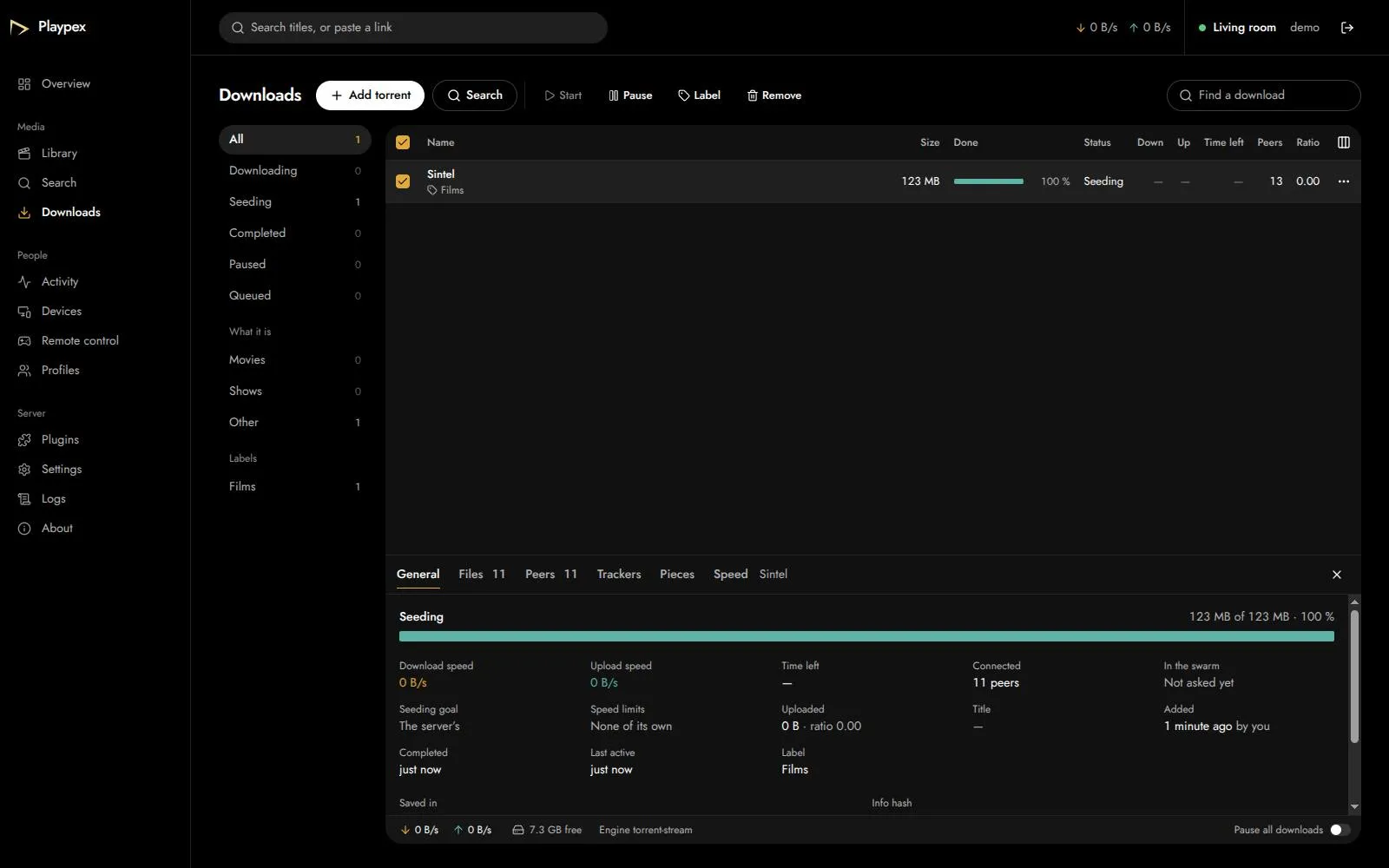
A torrent client that keeps what you get
Queue, pause, seed and set limits. Leaving the player pauses a download; nothing is deleted unless you remove it.
Playpex keeps your films and shows on a computer in your home and plays them on your TV, your phone and in any browser on your Wi-Fi.
Free. Version 0.10.1-alpha.1 for Windows, macOS, Linux and phones
On the computer that keeps them, or on a network share. Point Playpex at them once.
Every file is matched to its title, with the poster, the cast and the ratings.
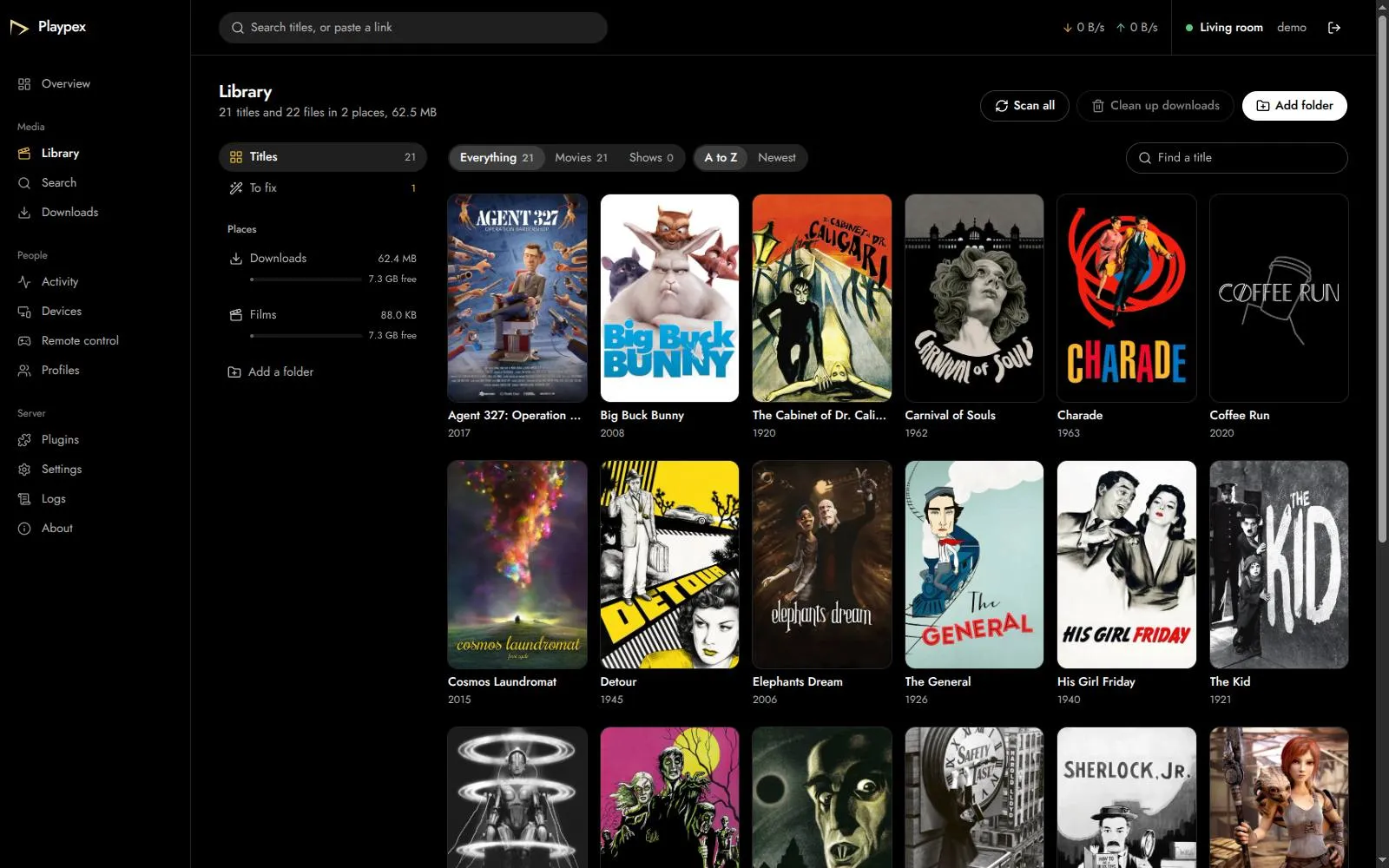
Install the server once. Every screen in the house then shows the same films, the same watch list and the minute you stopped at.
Keeps the films, finds their posters and streams them. You run it from a browser.
Windows, macOS, Linux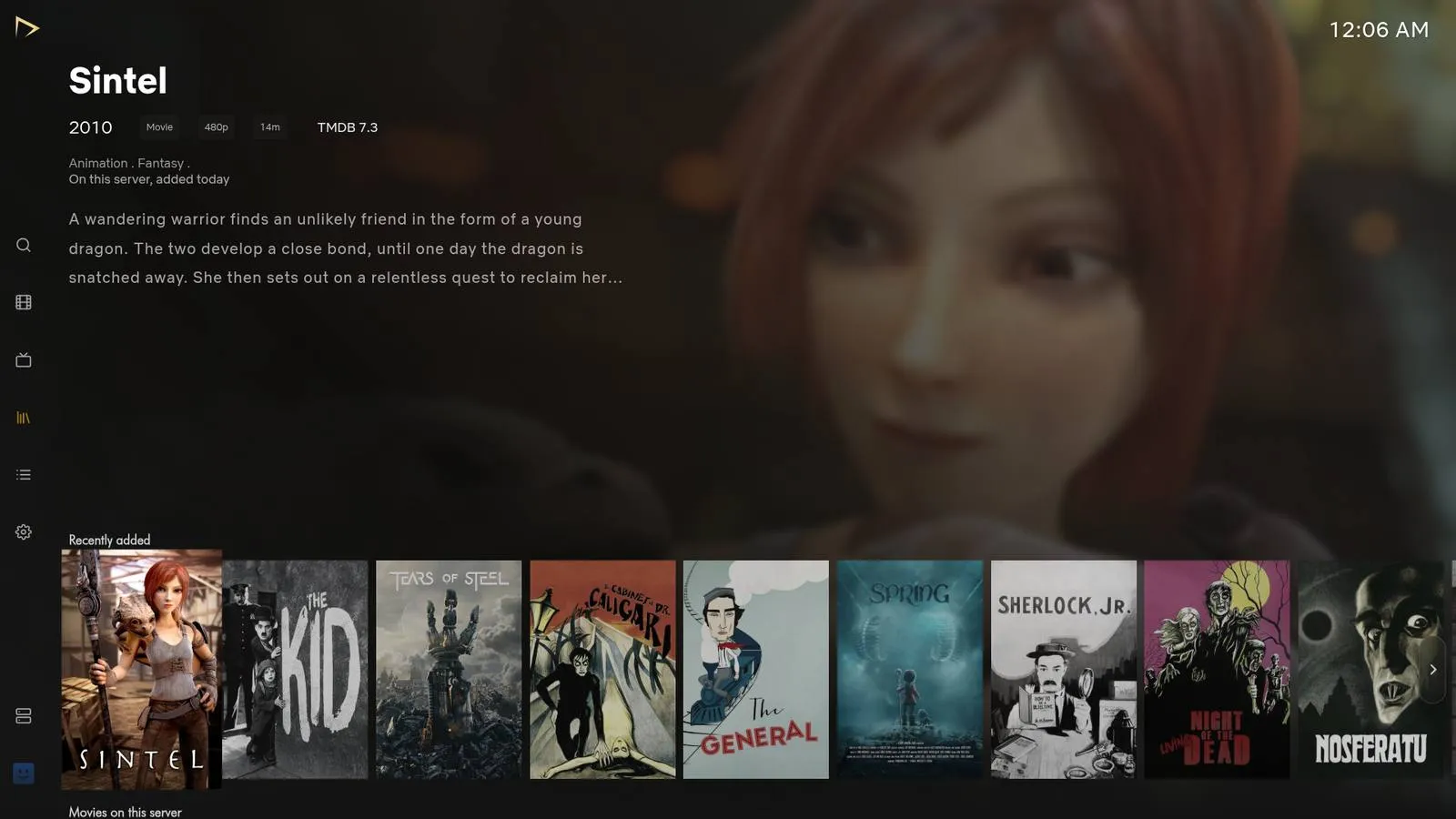
For the computer by your TV. Arrows, OK and Back do everything.
Windows, macOS, Linux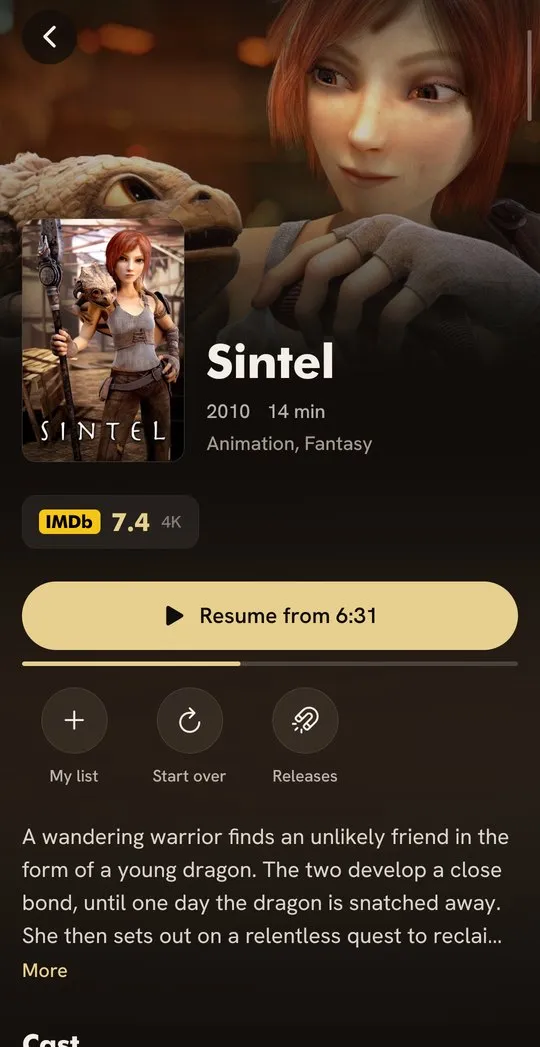
Plays files as they are, with every track, and picks up at the minute the TV stopped.
Phones and tablets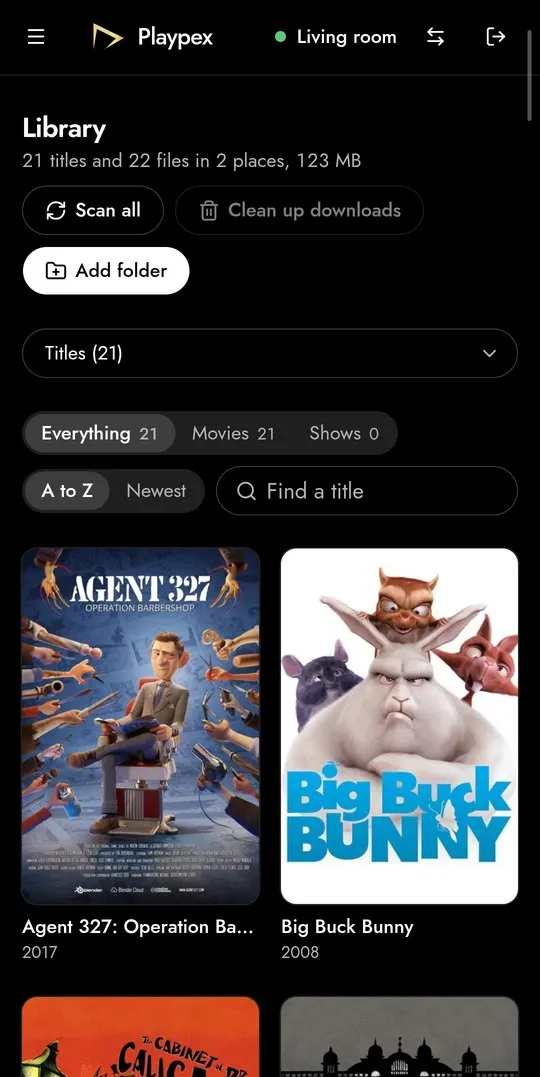
Finds the server on your Wi-Fi and opens its dashboard on your phone: the library, downloads and who is watching.
AndroidThe dashboard of the computer that keeps your films, in any browser.
Playpex TV shows what’s on the server, made for a remote and a sofa.
Sintel, on this server: its story, its cast, its ratings and a Play button.
Resume at the same minute on any screen, or start again.
Every audio track and subtitle in the file, on the biggest screen in the house.

Playpex TV moves with arrows, OK and Back, and whatever you point at comes forward. Try it here with the pad or your arrow keys.









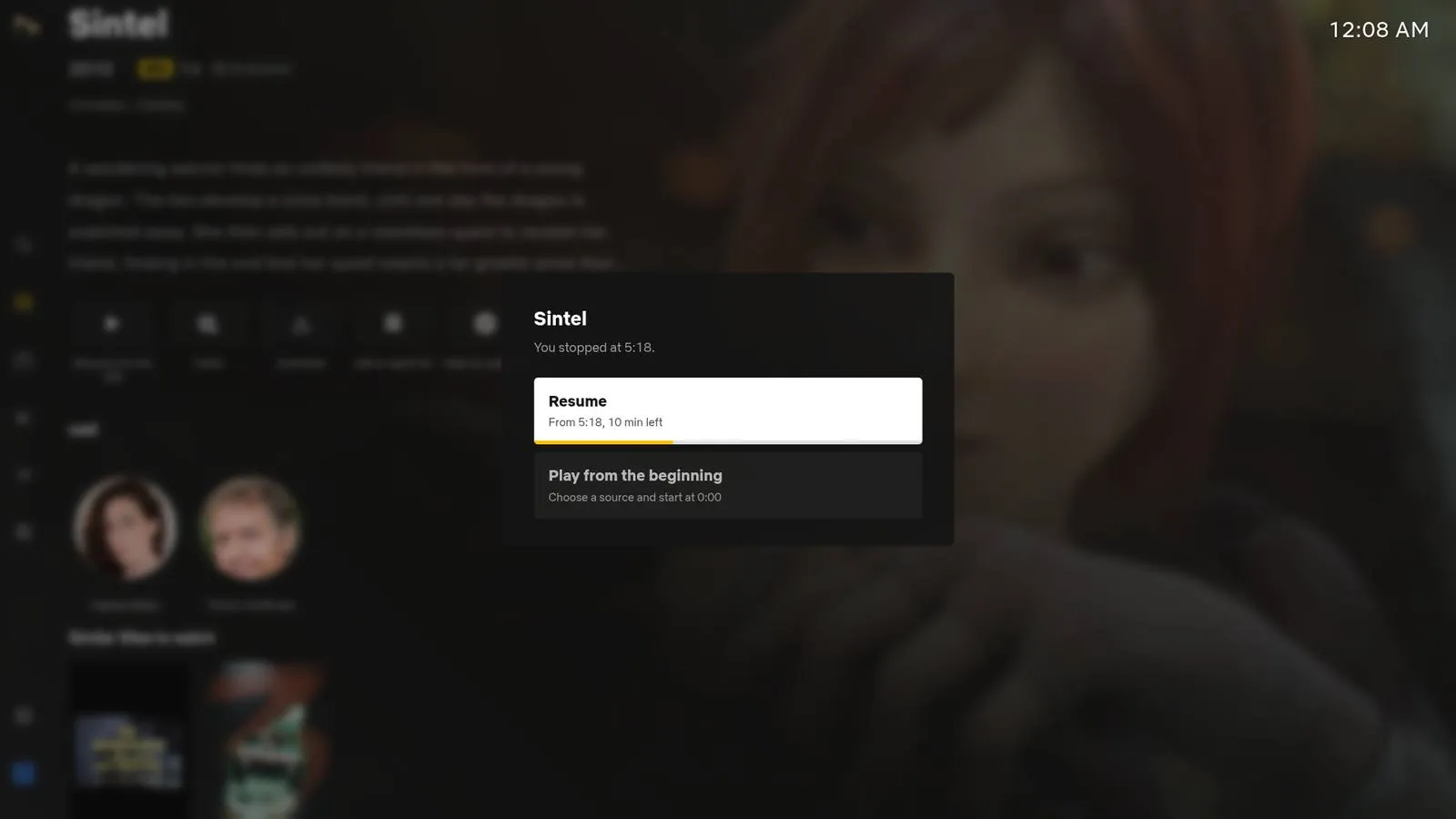
OK on Sintel opens it, Back closes it.
Queue, pause, seed and set limits. Leaving the player pauses a download; nothing is deleted unless you remove it.

Watch anything on the server from the dashboard, even while it’s still downloading.
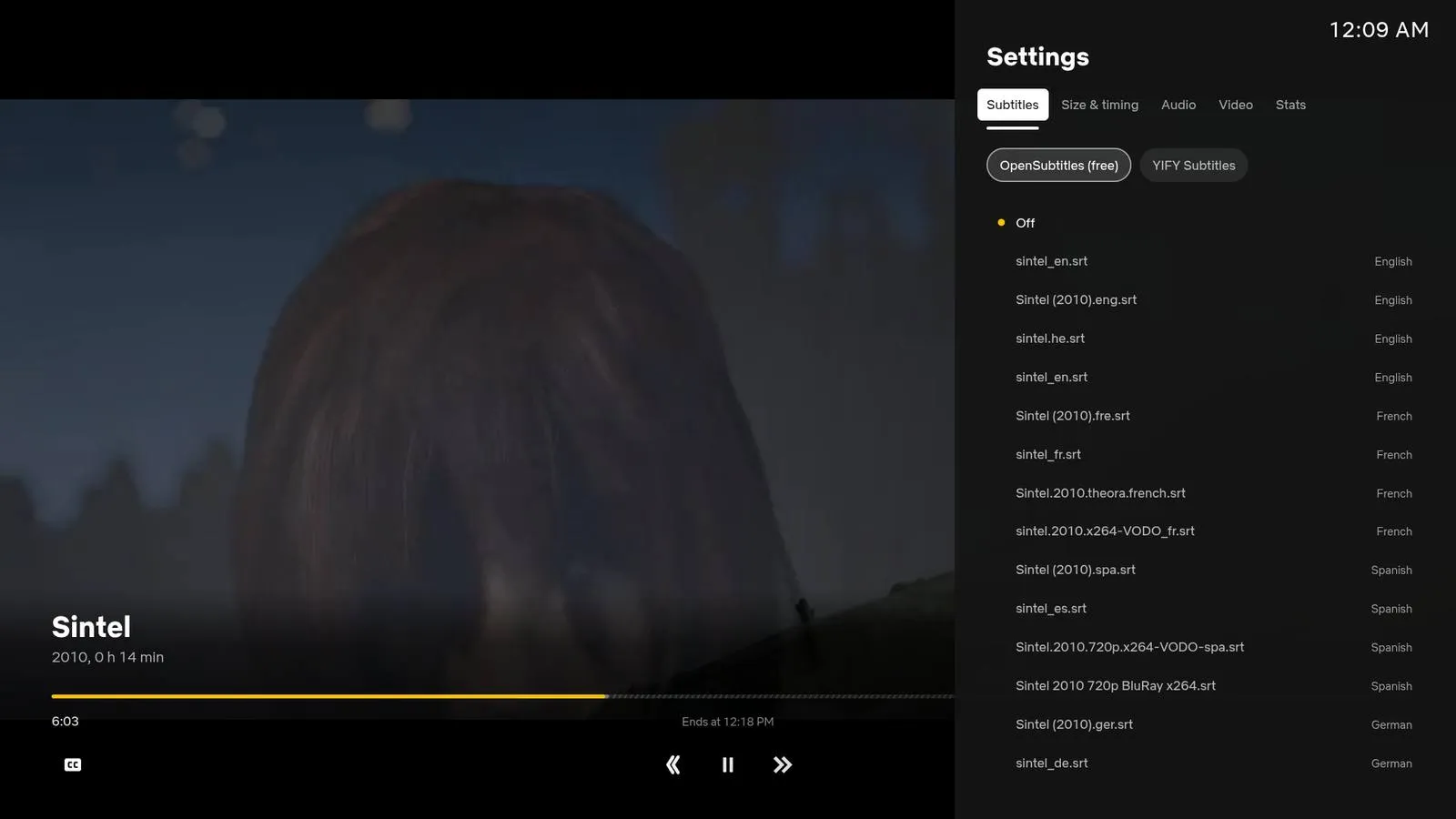
The tracks in the file, plus OpenSubtitles and YIFY, with size and timing in the player.
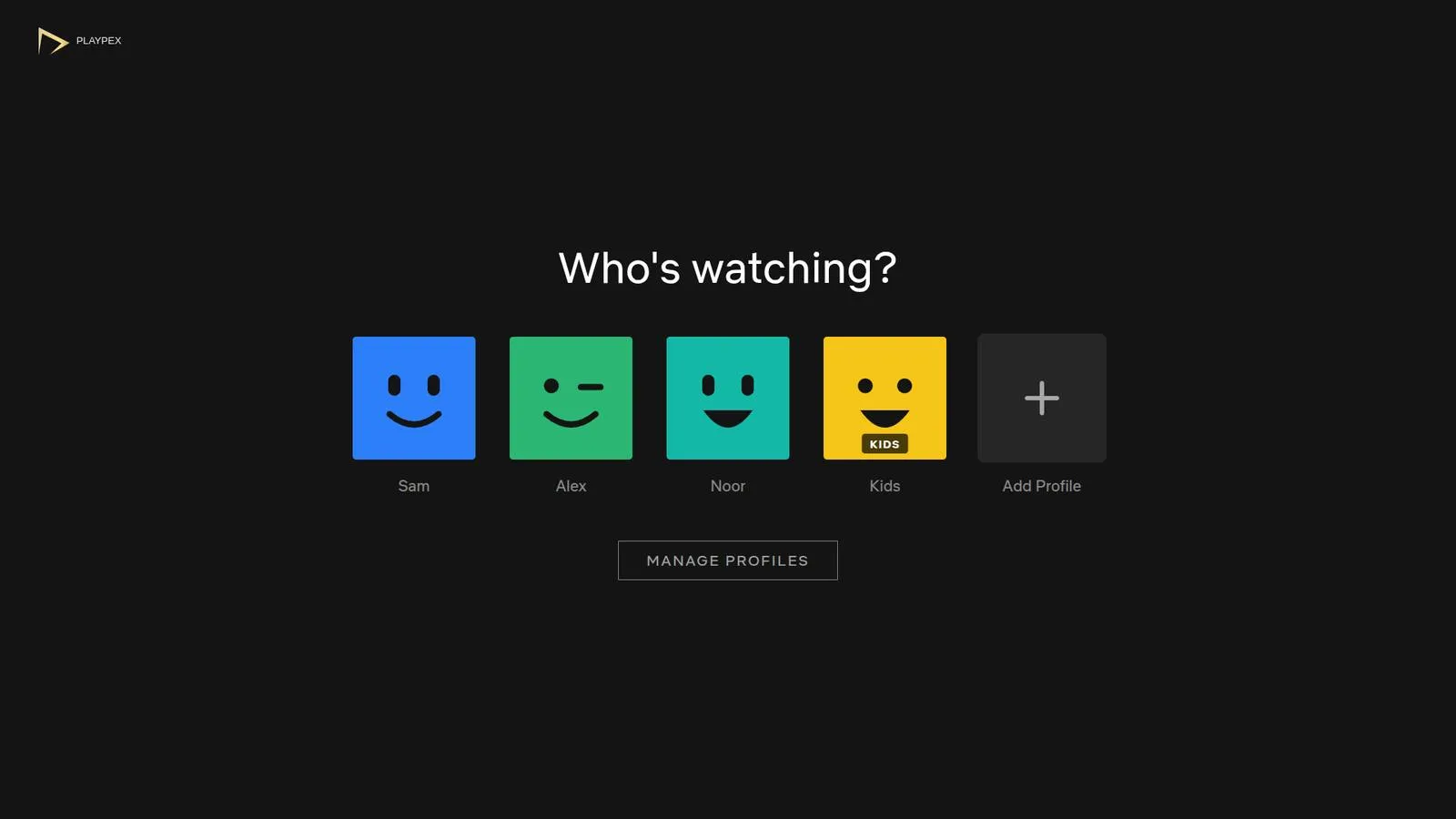
Watch lists and resume points per person. Kids’ profiles only see what’s for them.
Profiles keep each person’s list, place and settings. Switch on what each of them needs.
Sintel opens on Sam’s phone at 6:31, the minute the TV stopped.
Dolby and DTS tracks are turned into AAC by the server, so no film plays silent.
From the file or online, in Noor’s language, at Noor’s size.
Only titles for children, and the grown-ups’ profiles locked with a PIN.
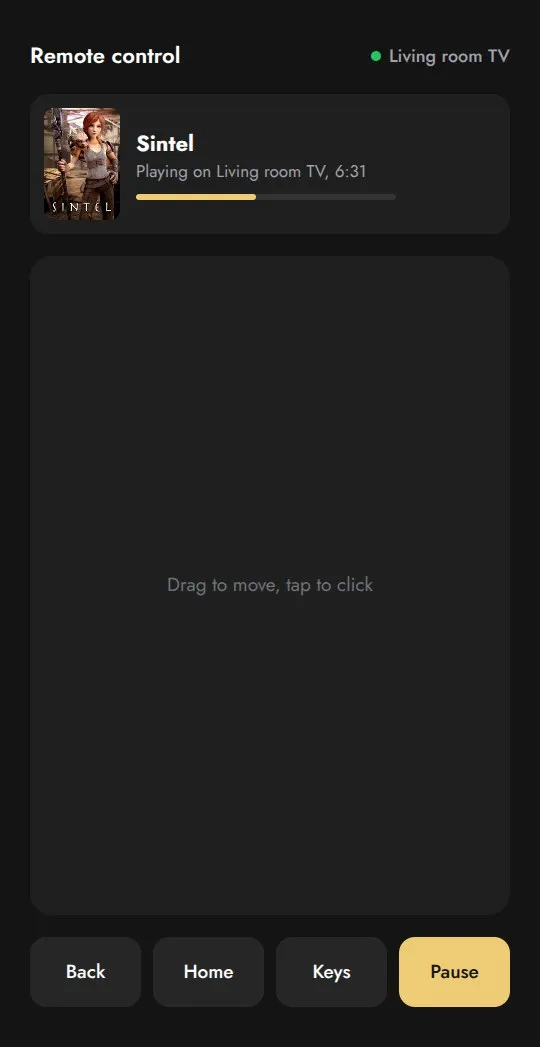
Any phone in the house is a remote for any screen, with a touchpad and the keys.
It’s free. Install it on the computer that keeps your films; Playpex TV and Playpex Mobile find it on your Wi-Fi after that.
Version 0.10.1-alpha.1, released 1 November 2026